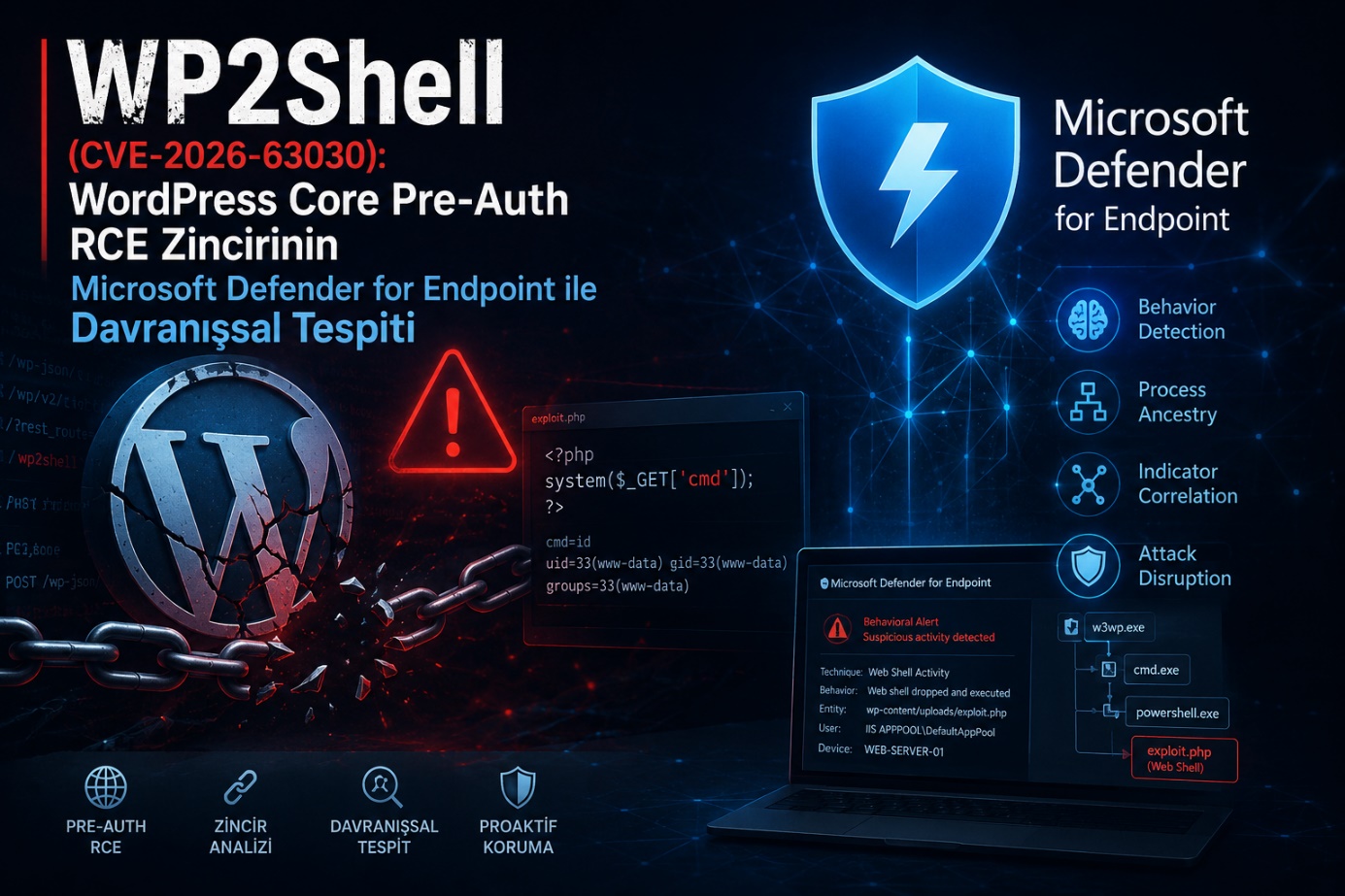
Following a critical WordPress RCE chain, we use a real lab test to show what MDE's default protection profile misses on a Linux-based web server, and what we need to write instead.
Executive Summary
Published on July 17, 2026 for WordPress Core, CVE-2026-63030 (REST API batch endpoint route confusion) and CVE-2026-60137 (WP_Query SQL injection), when chained together, result in unauthenticated RCE. The industry calls it "wp2shell". In this article, we simulated the post-exploitation behavior of this vulnerability in an isolated lab and tested whether Microsoft Defender for Endpoint (Linux) catches it with the default protection profile. The result is clear: even with the strictest protection settings, MDE did not produce an alert for this behavior. The processes were fully visible in the telemetry, but none of them turned into an incident. Our own Advanced Hunting queries caught the same events instantly. The rest of the article walks through those queries and why they are necessary.
Vulnerability Mechanism
On its own, CVE-2026-60137 is a SQL injection that only concerns an authenticated user (the author__not_in parameter of WP_Query). CVE-2026-63030, on the other hand, is a route confusion in the REST API batch endpoint, and this is the truly critical part: this confusion bypasses the blocklist that restricts the SQLi to authenticated users. When chained: anonymous request → leaking the admin password hash via SQLi → cracking/logging in → uploading a webshell. Affected versions are 6.9.0-6.9.4 and 7.0.0-7.0.1; the patch is in 6.9.5 and 7.0.2. The publisher's side did not provide any fixed webshell hash or file name — which means that detection must be behavior-based from the very start.
Affected versions
- WordPress 6.9.0 - 6.9.4
- WordPress 7.0.0 - 7.0.1
Patched versions
- WordPress 6.9.5
- WordPress 7.0.2
Test Environment
In an isolated virtual environment, we stood up a WordPress installation in the vulnerable version range (Ubuntu + Apache/PHP-FPM) and installed the MDE for Linux sensor on the device. The test proceeded in three phases:
- With no policy assignment (sensor with default settings).
- After applying the strictest protection profile (real-time protection + cloud-delivered protection + PUA protection at maximum).
- With our own Advanced Hunting queries.
In each phase, we repeated the same scenario: we dropped a PHP webshell under wp-content/uploads and ran discovery/download commands such as whoami, id, uname -a, curl, and python3 through it.
Live Test Results
Phases 1 and 2: No alert was produced under any protection profile. On the timeline/telemetry side, processes were fully visible; php-fpm/apache2 spawning sh as a child process, then whoami/curl/python3 — but none of this dropped as an incident. When the test was repeated with the strictest settings, the result did not change.
The reason for this is not a product bug but an architectural limit: the protection profile of the Linux agent is largely file-based; real-time protection and cloud-delivered protection try to catch a malicious file written to disk via signature/cloud reputation. But here the webshell itself (<?php system($_GET[...]); ?>) does not carry a malicious signature — it looks like an ordinary PHP file. What is actually malicious is not the file's content but the process chain that file triggers, and this class of behavioral correlation has no equivalent on the Linux agent at the depth the ASR/EDR engine performs on the Windows side. So "strict policy" is the wrong lever here; the layer that needs to protect you already requires a different mechanism.
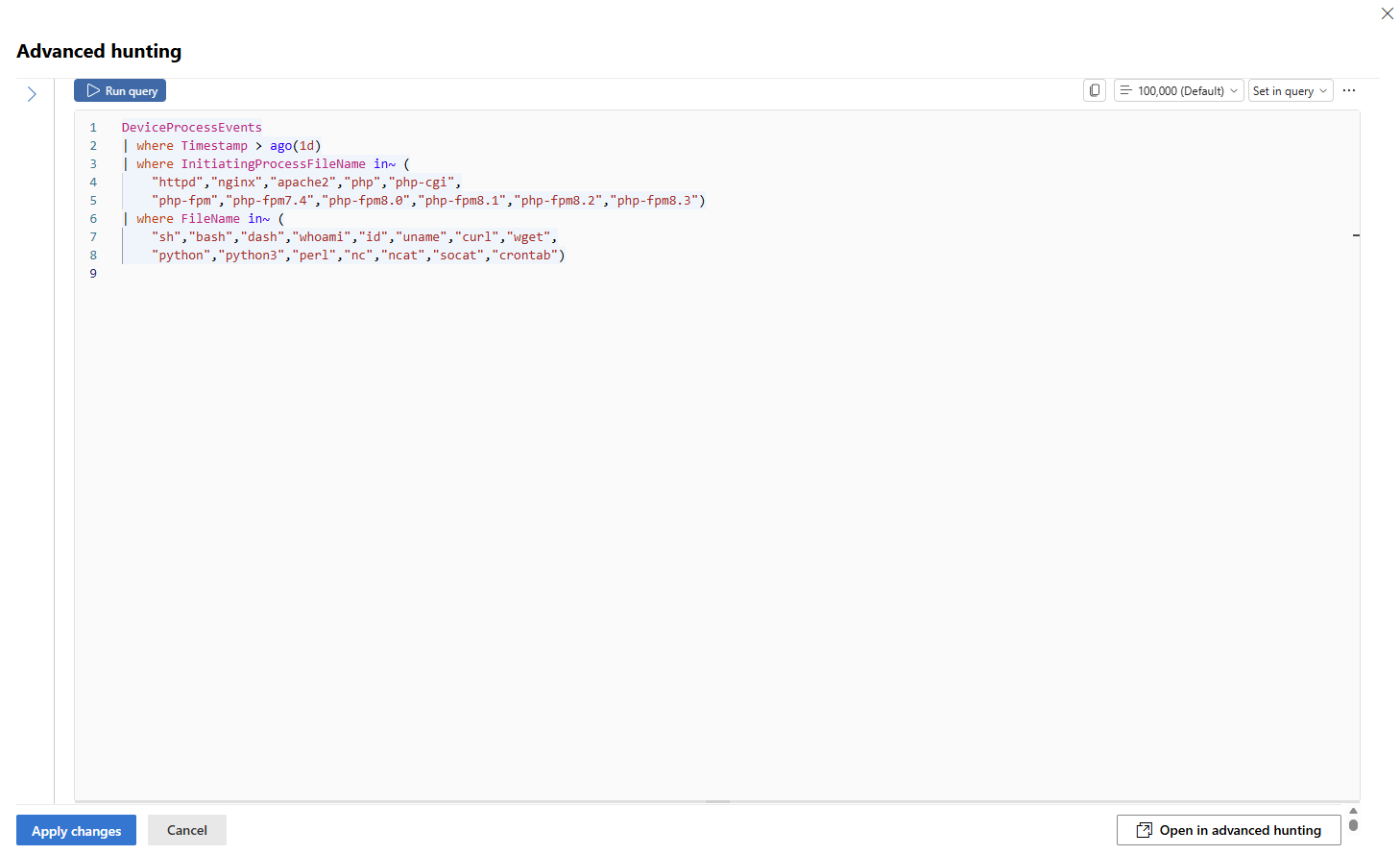
Phase 3: Our own queries. We ran the same three command sequences against the two Advanced Hunting queries below; both caught the events instantly.
Queries on the MDE Side
In the lab test, we had pinned the file query to a specific path (/var/www/wp2shell/wp-content/uploads); the version above generalizes this because the WordPress root directory varies from organization to organization (/var/www/html, /srv/www, a custom vhost path, etc.) — since the wp-content/uploads subpath stays relatively constant, it catches the activity regardless of the root.
A warning before moving to prod: before turning these two queries into a Custom Detection Rule as-is, run the process query once in its raw form in a live environment. When we tested the same logic on the Windows side (w3wp.exe/php.exe → cmd.exe) in a real customer environment, we saw thousands of rows over 30 days, and almost all of it was routine wmic/tasklist calls from different internal applications (license/hardware checks, scheduled report jobs) — real threats were zero. The same risk exists on the Linux side: sh/curl/python3 being spawned from a web server process may be the legitimate behavior of the organization's own PHP applications (external API calls, image processing, log rotation). Before turning it into a rule, add an extra filter that requires shell interpreters like sh/bash/dash to be triggered only when they carry a genuine discovery/download/reverse-shell signature (things like chmod +x, base64 -d, /dev/tcp/, -e /bin/sh); otherwise, the rule will be shut down as noise within a few days.
Turning Queries into Custom Detection Rules
After validating in Advanced Hunting, we turn it into a rule via Custom Detection Rules > Create detection rule:

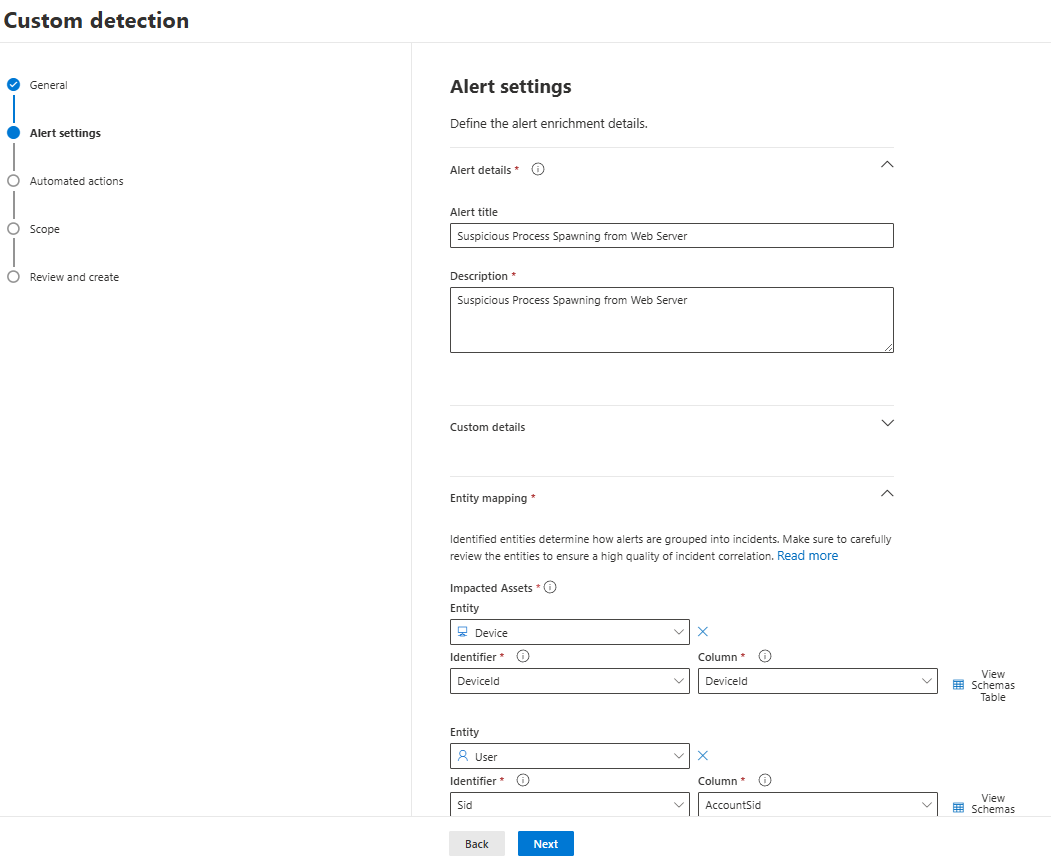
- Detection Name: Suspicious Process Spawning from Web Server
- In the window that opens with the Add Query button, we enter our query
Frequency: Every hour (activity in the first hours after a webshell is critical)
Severity: High
Category: Suspicious Activity
You can fill in the fields in the Alert Settings section according to your own preference.
Automated actions: We do not recommend automatic isolation on initial rollout. Run the rule in "alert only" mode for a week or two, observe the FP rate in your own environment, and then wire up host isolation.
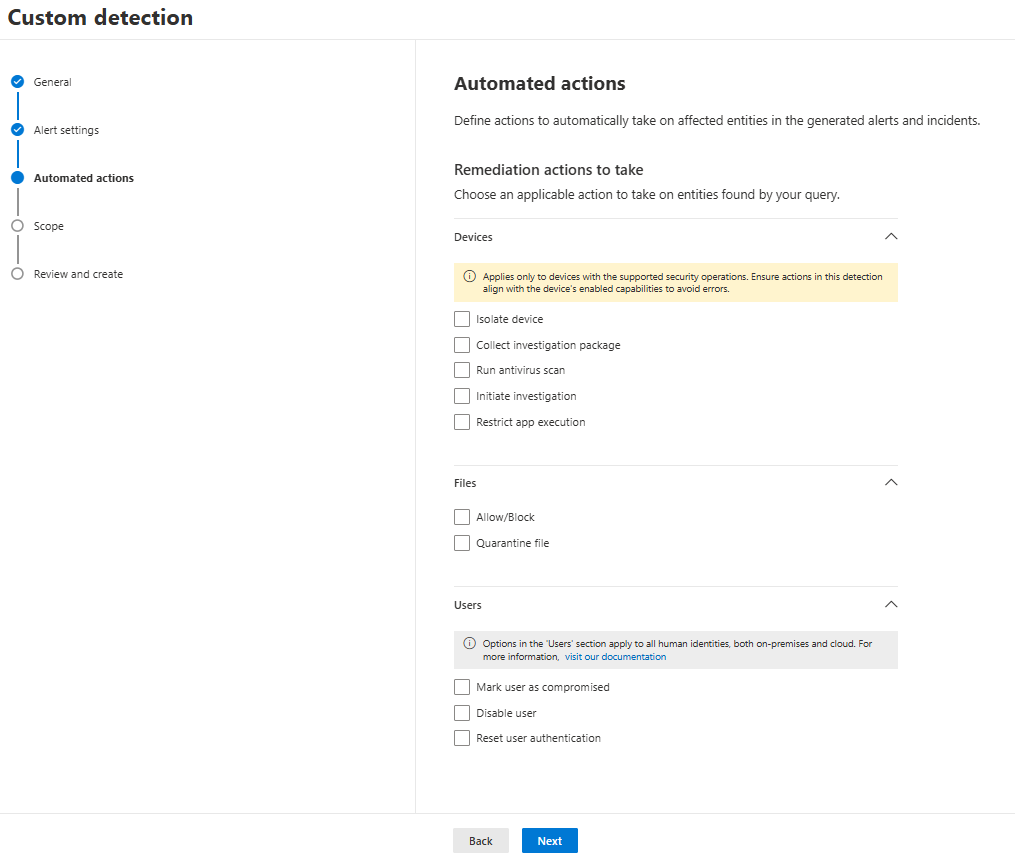
Note: Define the file and process queries as separate rules; if the two fire together on the same host with close timestamps, that is already a high-confidence incident.
Layered Defense
This detection layer does not replace patching and the WAF — it is the last line in the scenario where those fail. The order of priority is still the same:
- Patch to 6.9.5/7.0.2.
- Blocking /wp-json/batch/v1 and ?rest_route=/batch/v1 on the WAF.
- The behavioral rule we described here as a safety net.
Conclusion
MDE's Linux agent does not lose visibility in this scenario; the process chain was fully present in the telemetry. What is missing is the default alerting logic on top of it: a file-based protection engine is not designed to catch a behavioral attack chain. Even the strictest protection profile does not change this, because the dials you are tightening (signature/cloud reputation) are already the wrong layer. Writing a custom detection rule means taking on the responsibility of closing that gap; we tested it, and it works.
Selman Bilal SİVRİ - L2/L3 MDR Analyst
InfinitumIT MDR - Detection Engineering & Threat Hunting
This article is based on the results of a controlled test conducted against the MDE for Linux sensor in an isolated lab environment.